
augustovocos's Public Repo
 By Augusto VocosPublic
Dashboards
See more
Insights
Insights
How to create a Deck of views in Alphacast?
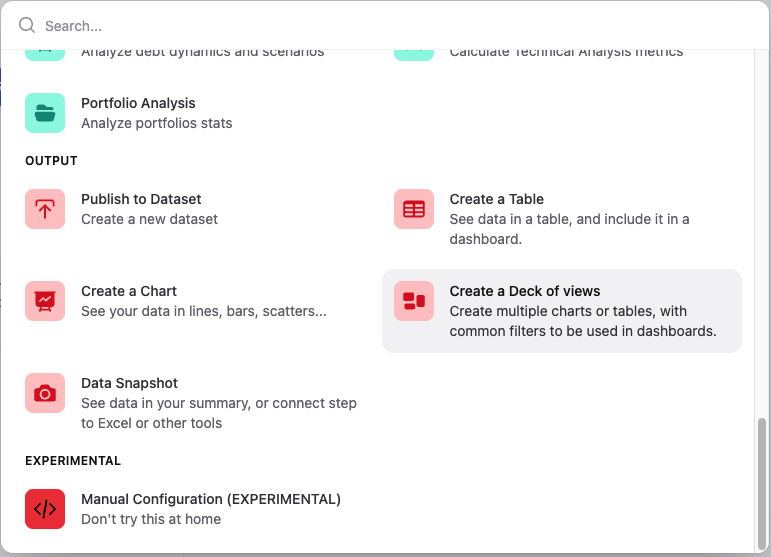
Once the Deck is created, you can add a Chart or a Table view from the Add view button. You can add as many views as you want; each view can be linked to a specific series of the dataset. After choosing the view type, you can select the series that will be used as input for that view. The entities associated with those series automatically become the filters of the Deck. Also, you can edit each view separately, modifying titles, subtitles, units, etc. Clipping views and creating an Insight After configuring the views, the final step is to clip the Deck using the button Add to clips on the top right corner. Clipping freezes the current configuration of the view, including the selected filters and layout. Once clipped, the view can be embedded into a Dashboard. Dashboards allow you to embed the clipped view into reports while preserving its interactive behavior. In the Edit mode of a Dashboard, go to the Clips button; you will find the clipped Deck under the Decks section. Inside the clipped Deck, you will see separate items for Filters and for the Chart and/or Table. To add them to the Dashboard, simply drag the...
Pipelines
| Pipeline | Last Edited | Edit |
|---|---|---|
| Inflation - Global - Consumer Price Index - Monthly transformation | 5 months ago |